

Sidebar bottom account → Account settings. Administrators also see tabs such as User management / Skills / Prompts.
Account
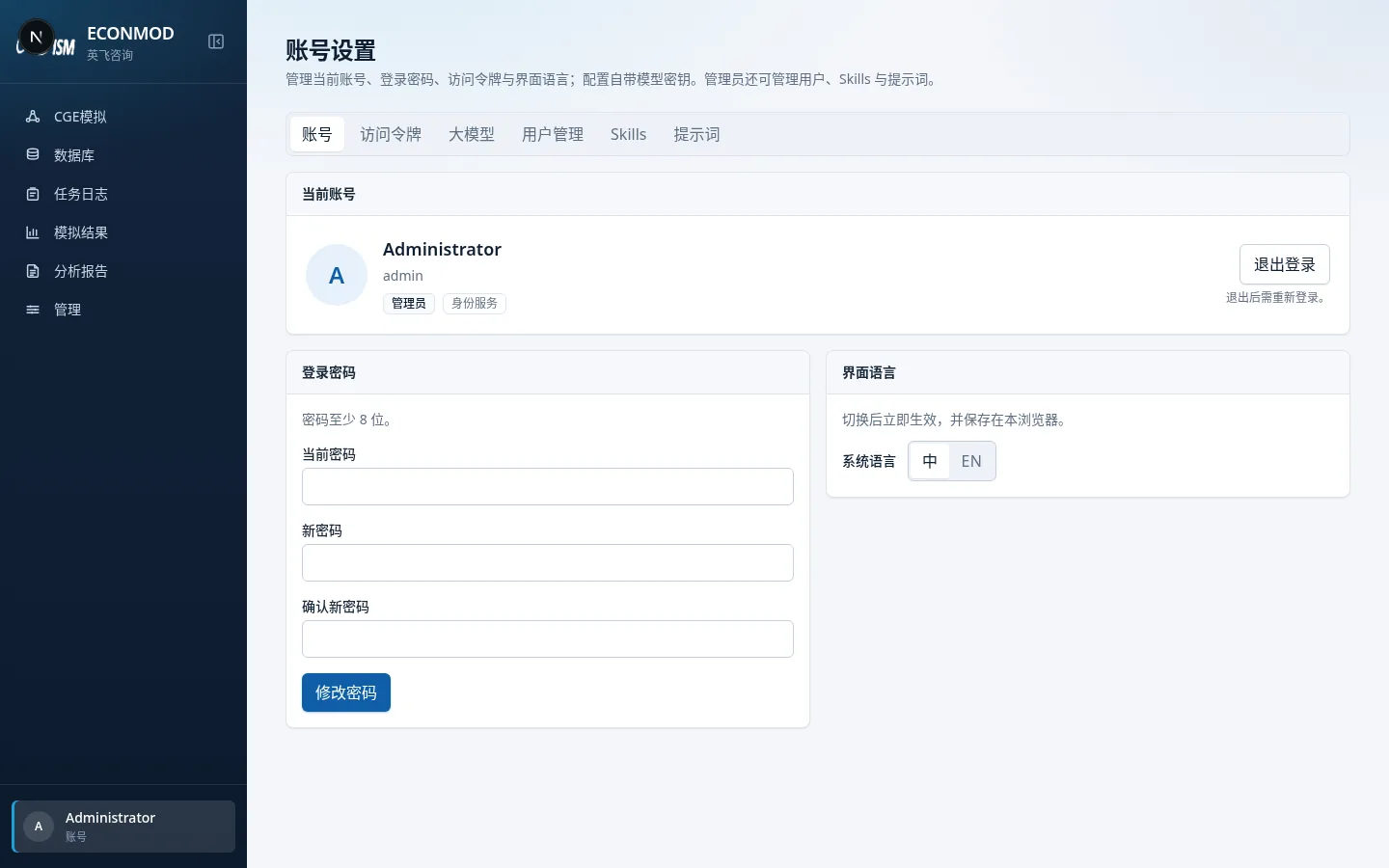
- View account, role (admin / regular user), and sign-in source.
- Change password: current password + new password (≥8 characters) + confirm; on success, all issued access tokens are invalidated.
- UI language: 中 / EN, applies immediately and is stored in this browser.
- Sign out.
Access tokens
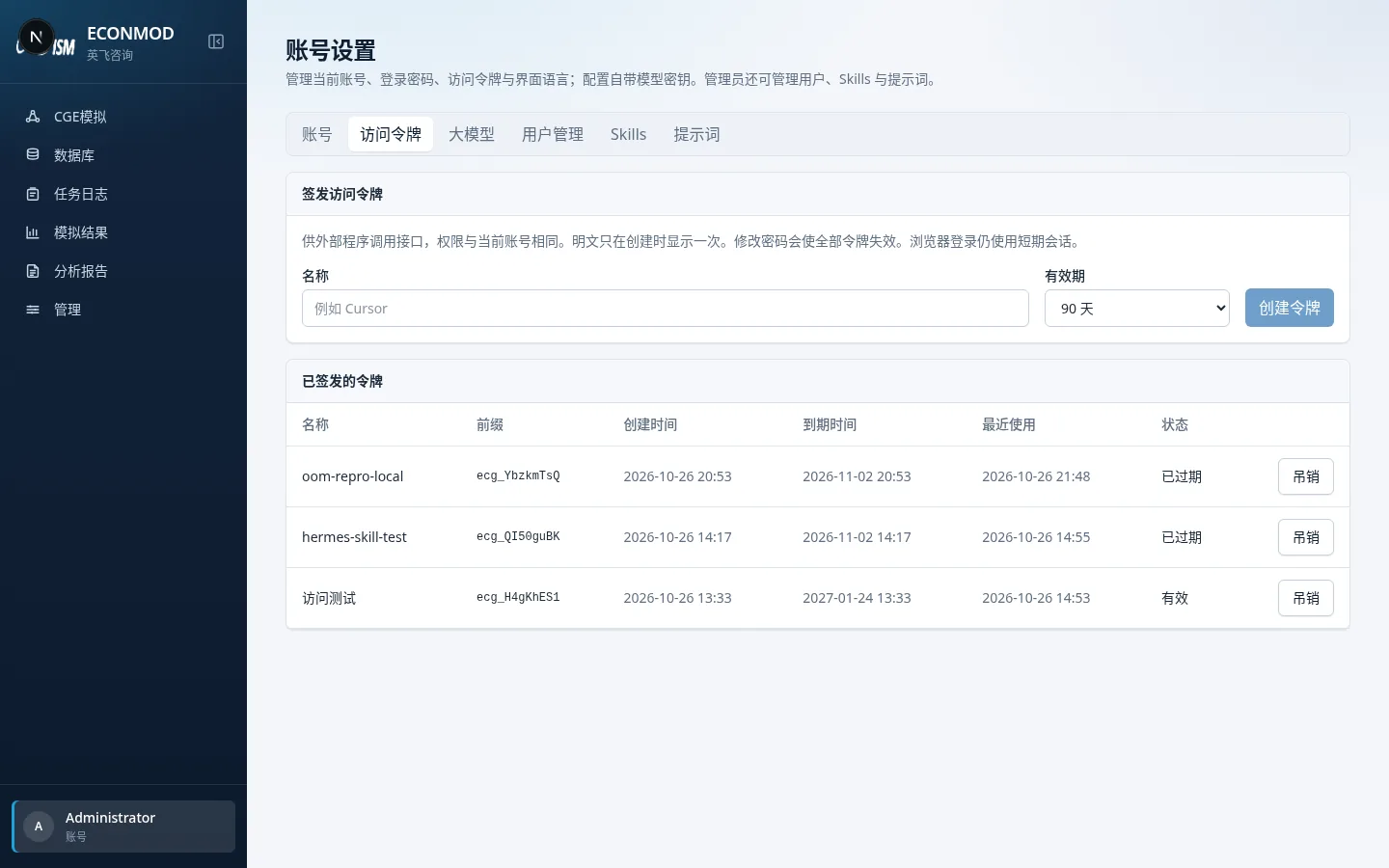
For external programs calling the API, with the same permissions as the current account.
- Enter a name and choose validity (30 / 90 / 365 days or never expire).
- Create token → the plaintext is shown once; copy it immediately.
- Tokens can be revoked from the list. Browser session tokens are separate.
User management (admins)
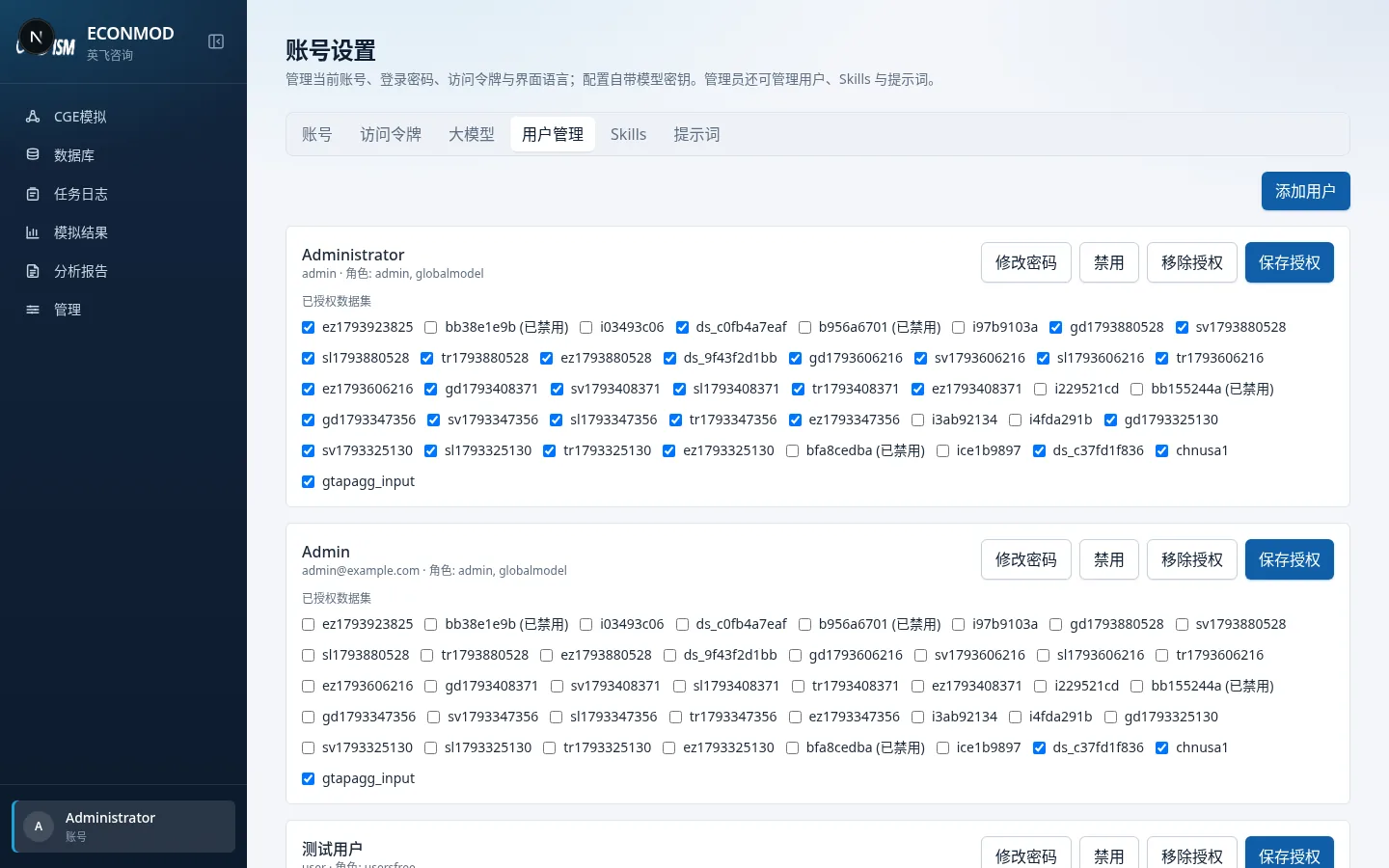
After accounts are created in the identity service and granted this product, you can view users here. Adding users is described on-page under “Create in the identity service…”. Dataset authorization is under Admin → User authorization.
Large language models
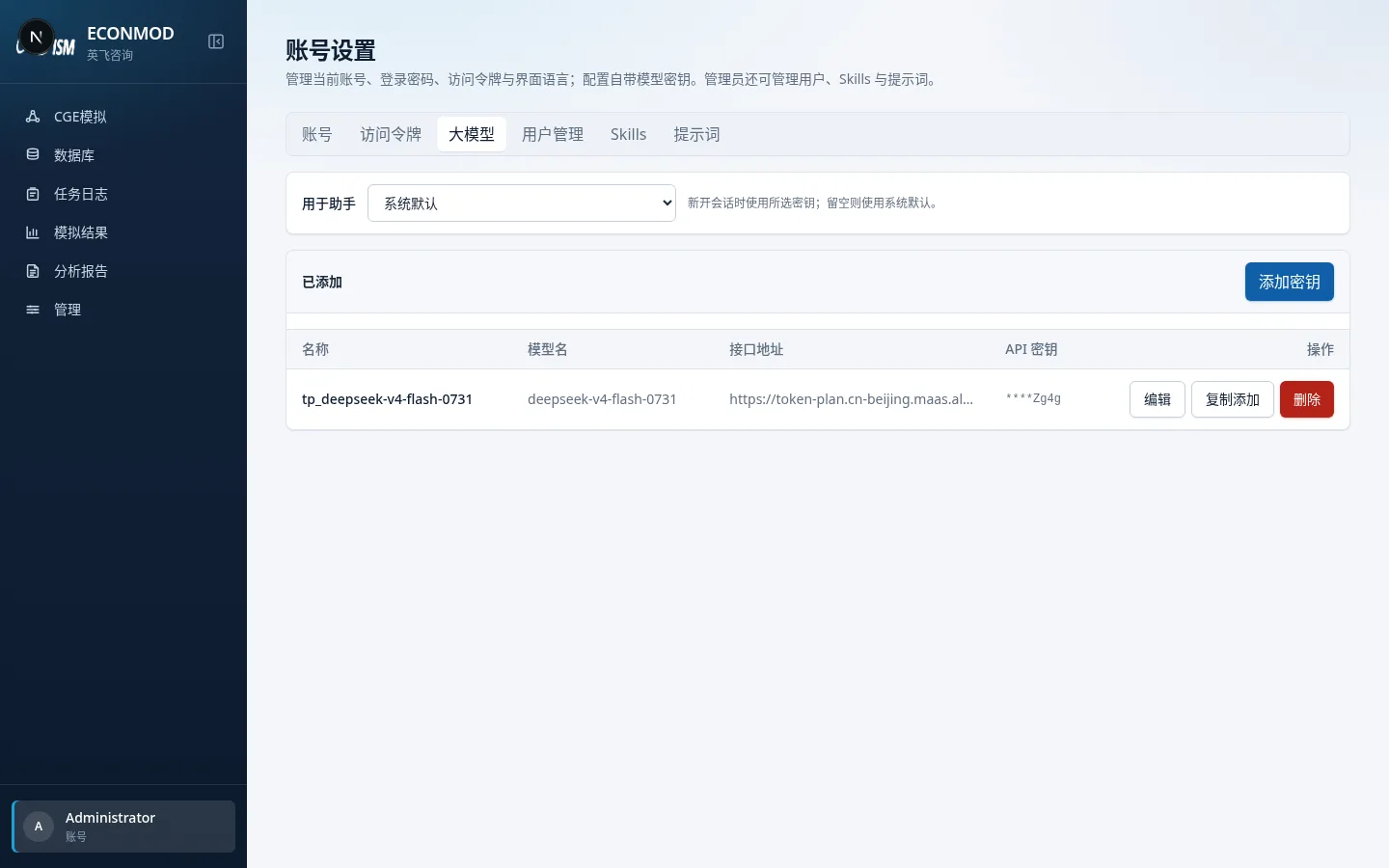
Configure built-in model keys and related settings for the simulation assistant.
Skills / Prompts (admins)
- Skills: upload a zip whose root contains
SKILL.md; edit text files or delete; lower layers may be overridden by higher ones (the page marks inactive items). - Prompts: maintain
system.mdand personas; the next chat turn picks up saves.