
Job log
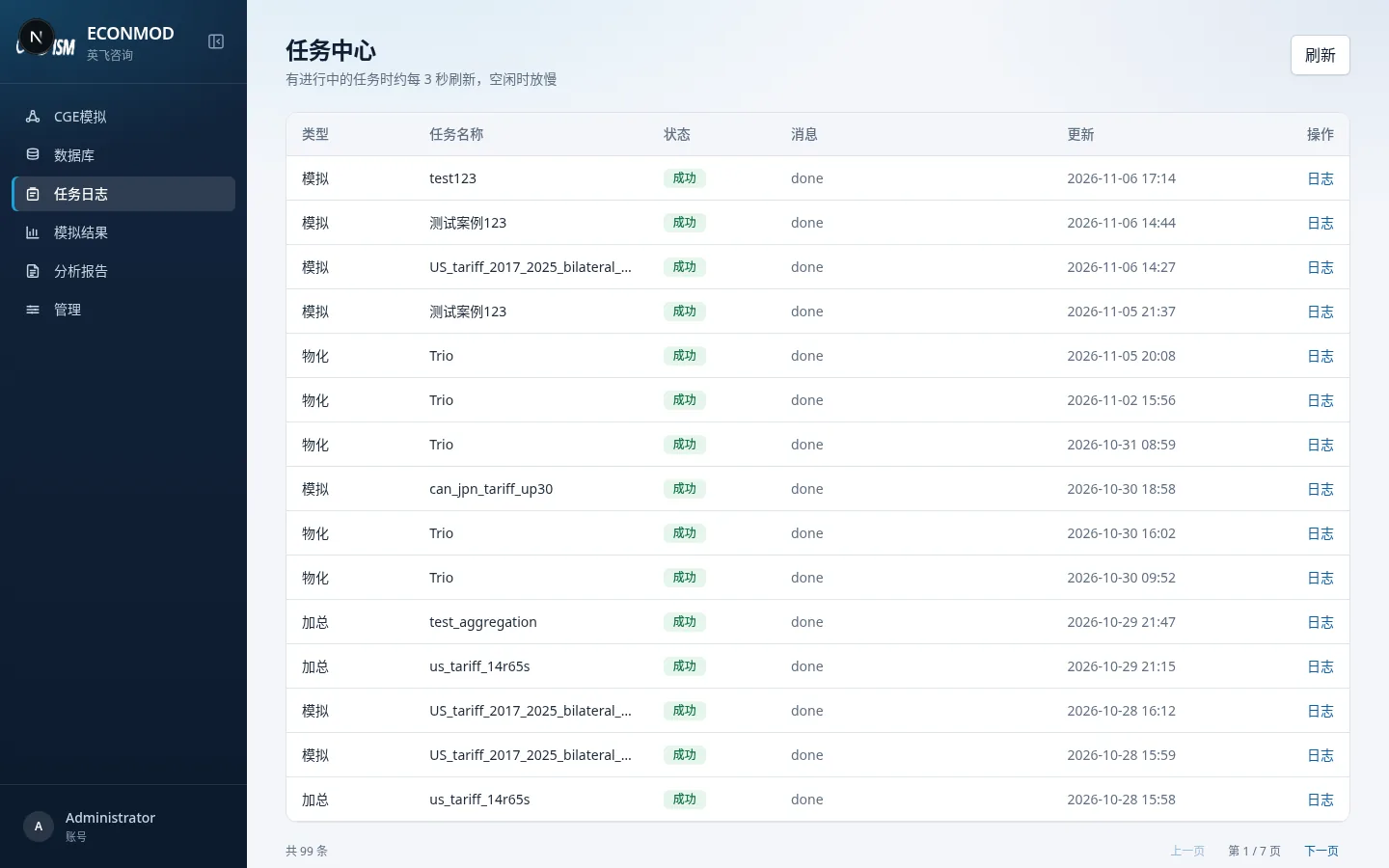
| Column | Notes |
|---|---|
| Type | Aggregation / materialization / simulation, etc. |
| Job name | Job title |
| Status | Queued, running, succeeded, failed, cancelled, etc. |
| Object | Linked dataset / scenario |
| Message | Short note |
| Updated | Latest timestamp |
In-progress jobs refresh about every few seconds. Expand Log, or Cancel unfinished jobs. When a solve or aggregation fails, check here first.
Simulation results list
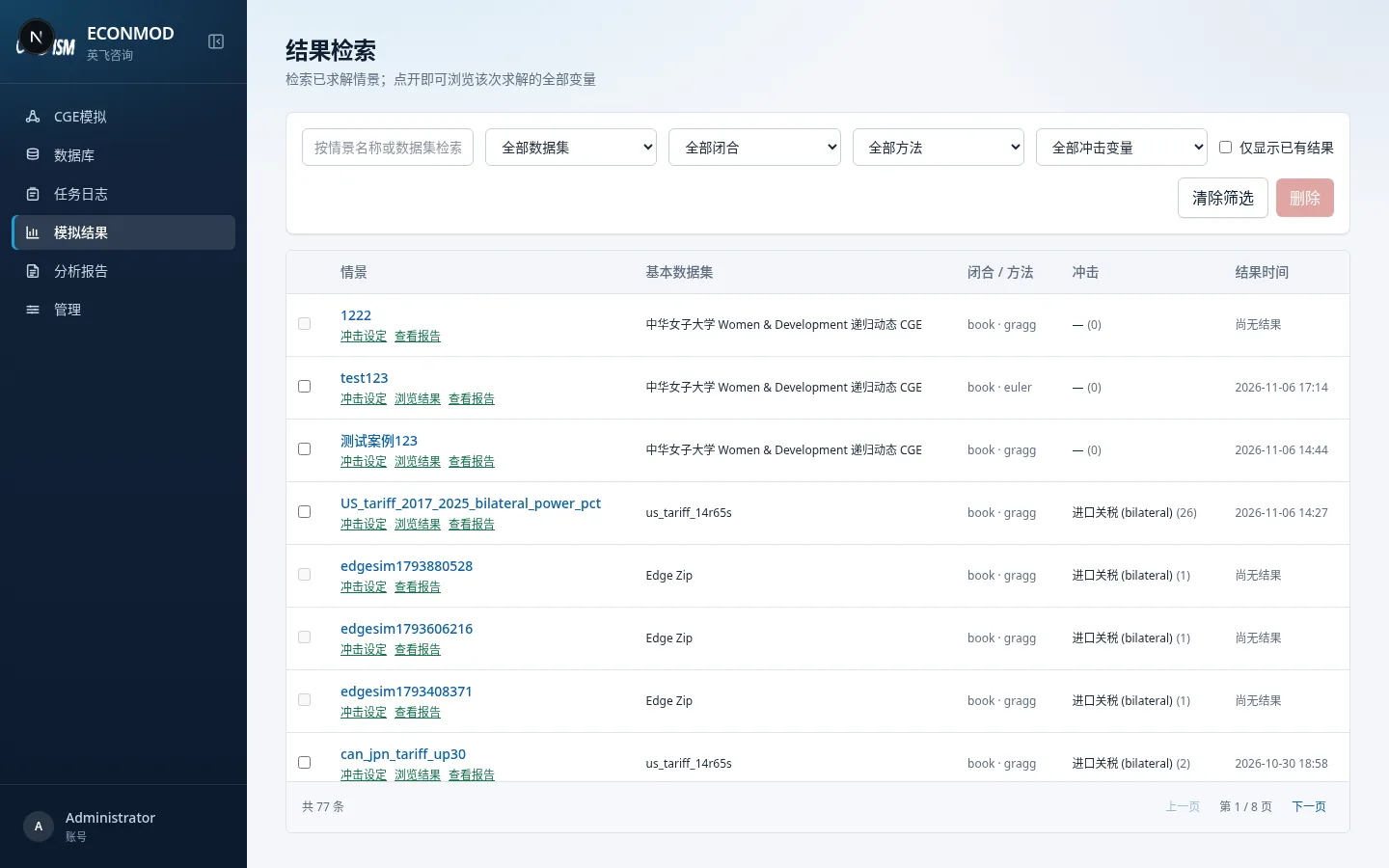
Filter by scenario name, dataset, closure, and more. Static and dynamic scenarios both appear; opening one goes to the matching detail view.
Static result detail
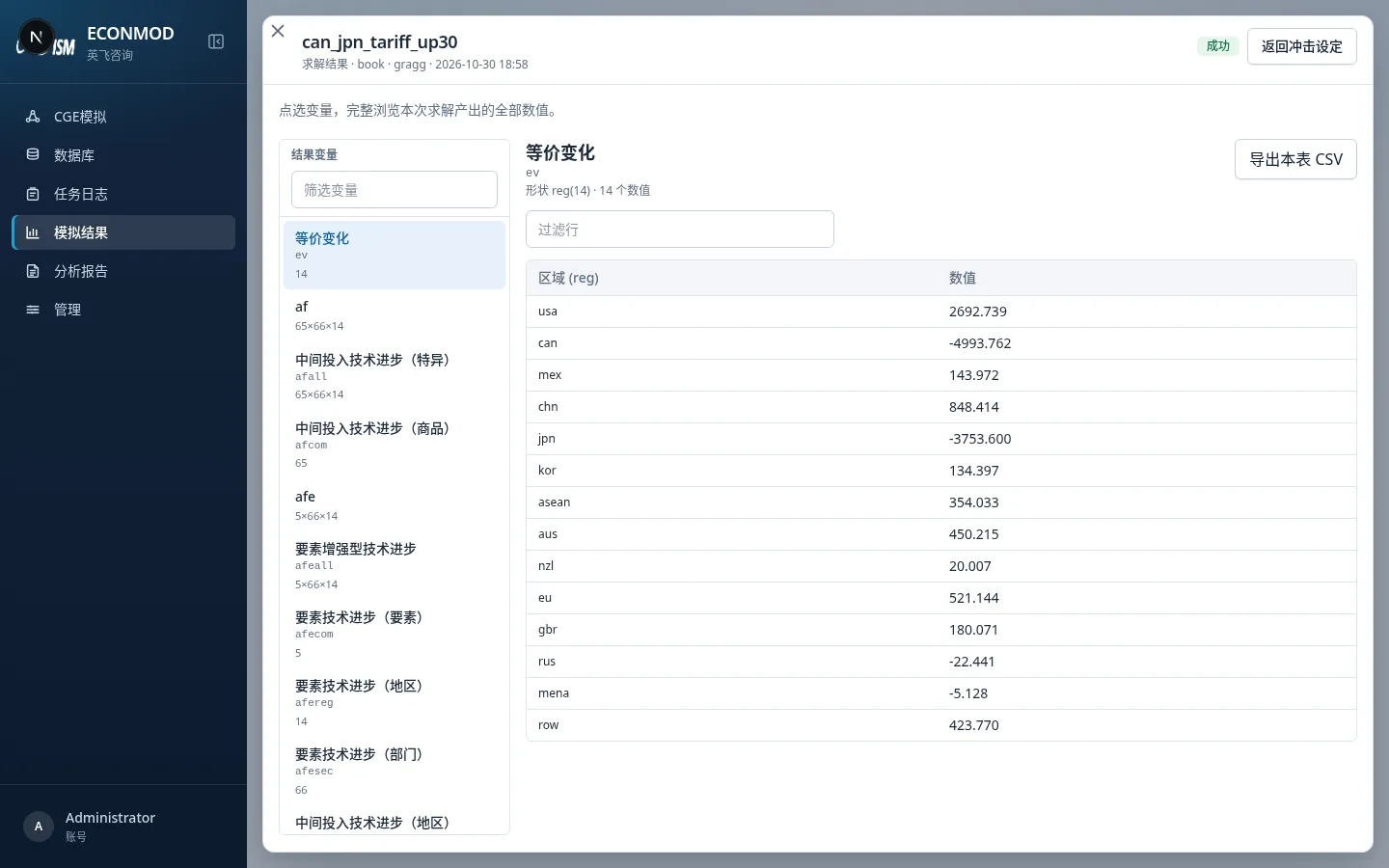
- Left Filter variables to locate a variable (display names from the variable dictionary).
- Right side shows shape (e.g.
reg(14)) and the value table; Filter rows narrows the row set. - Export this table as CSV.
- Back to shock settings returns to editing that scenario.
Dynamic result detail
Enter dynamic browsing from the editor’s View results or from the results list:
- Search variables / coefficients / cumulatives by catalog.
- Choose components and scenarios, then load terminal-year series.
- Can preview together with key-indicator config.
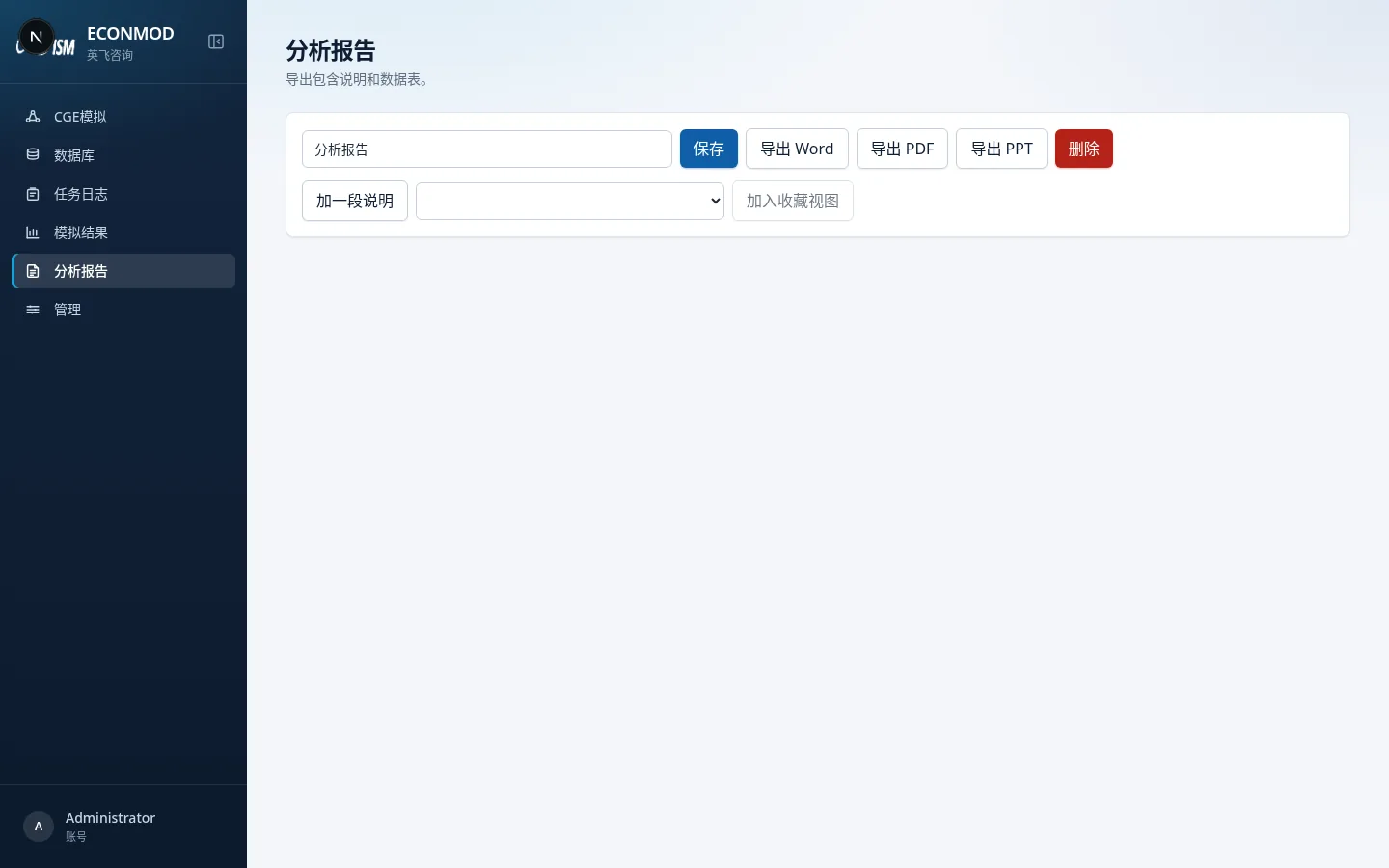
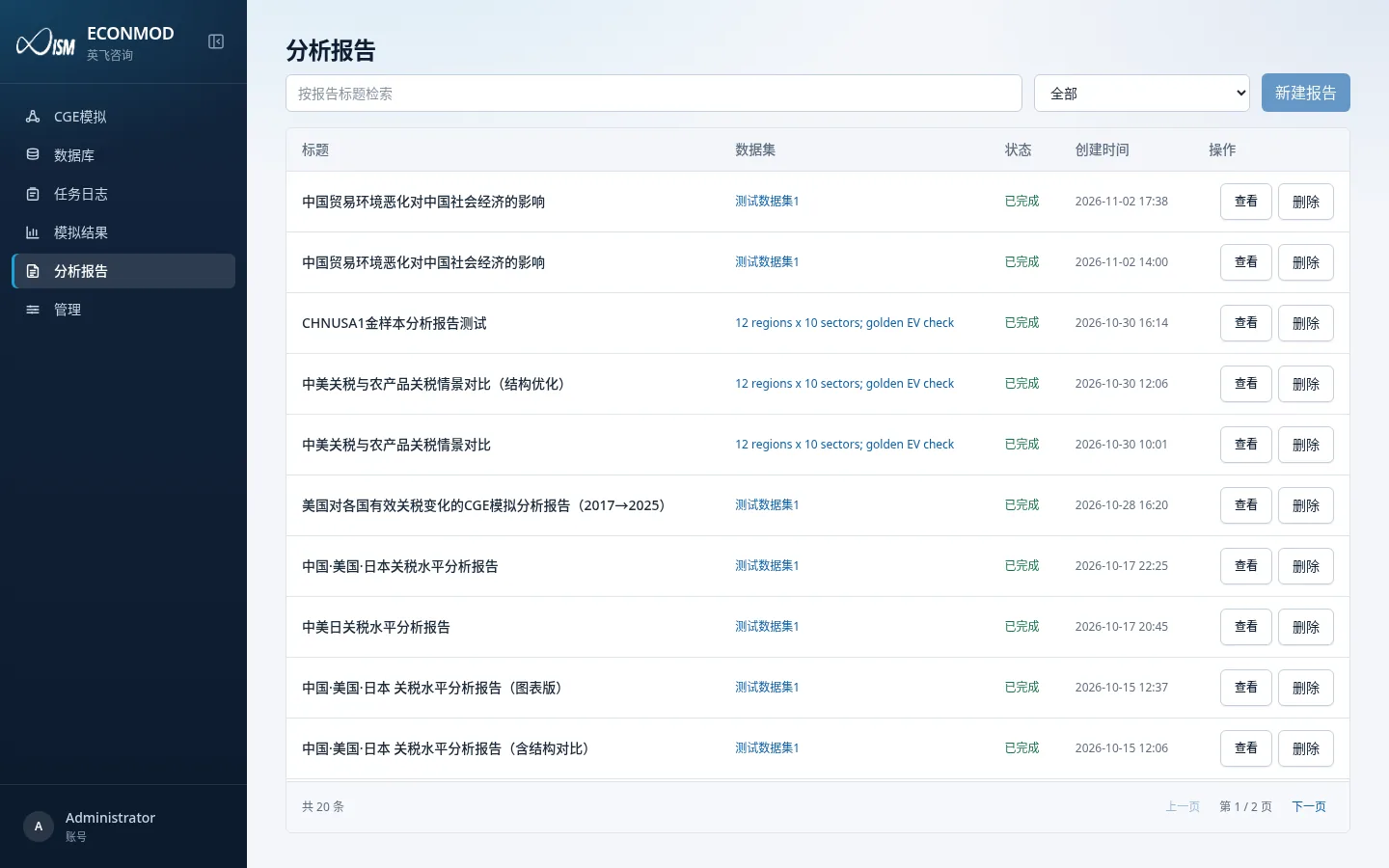
Analysis reports
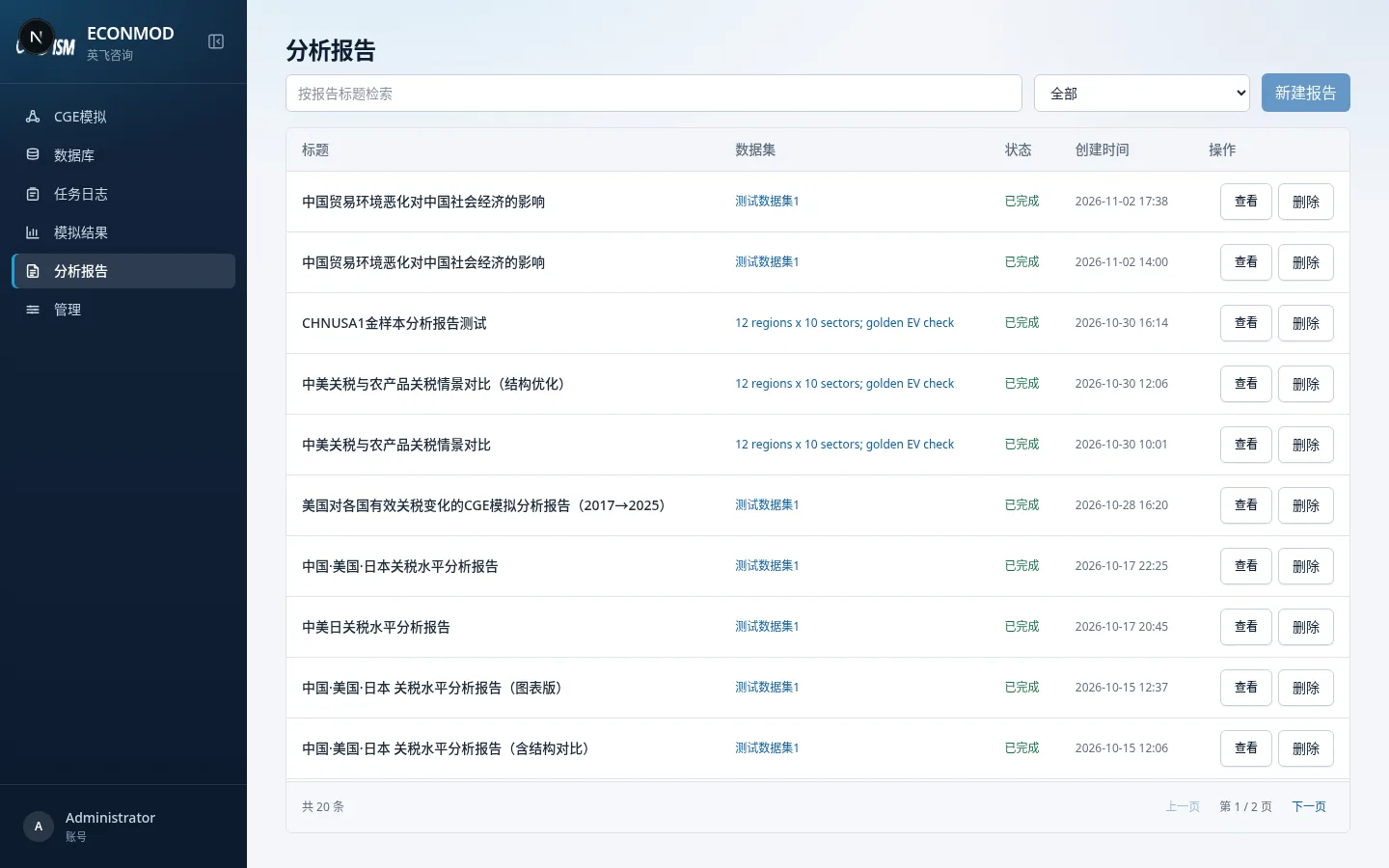
Form choice when creating
| Type | Rules |
|---|---|
| Comparative-static report | Same database family, up to 6 solved static scenarios |
| Dynamic-path report | Same dynamic database, up to 6 solved dynamic simulations |
Hard limits (validated on submit):
- Dynamic and static cannot mix in one report
- Title length 1–200 characters
- Selected items must have usable results; dynamic also requires readable result files