

The UI splits by a dataset’s model form. After you open a database, the top scenario tabs differ—and so do the capabilities. Do not mix the two.
How to tell them apart
| Signal | Static database | Dynamic database |
|---|---|---|
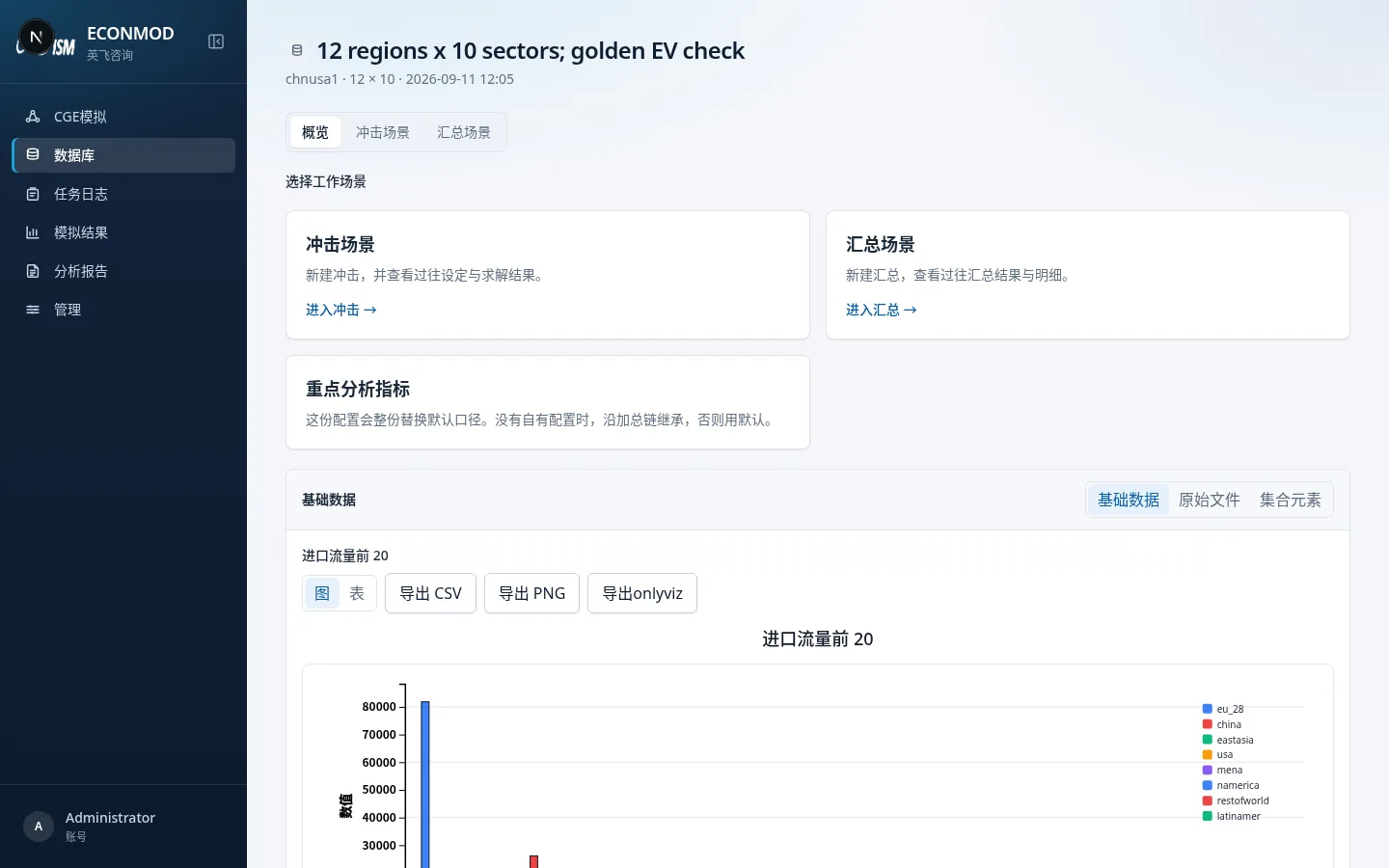
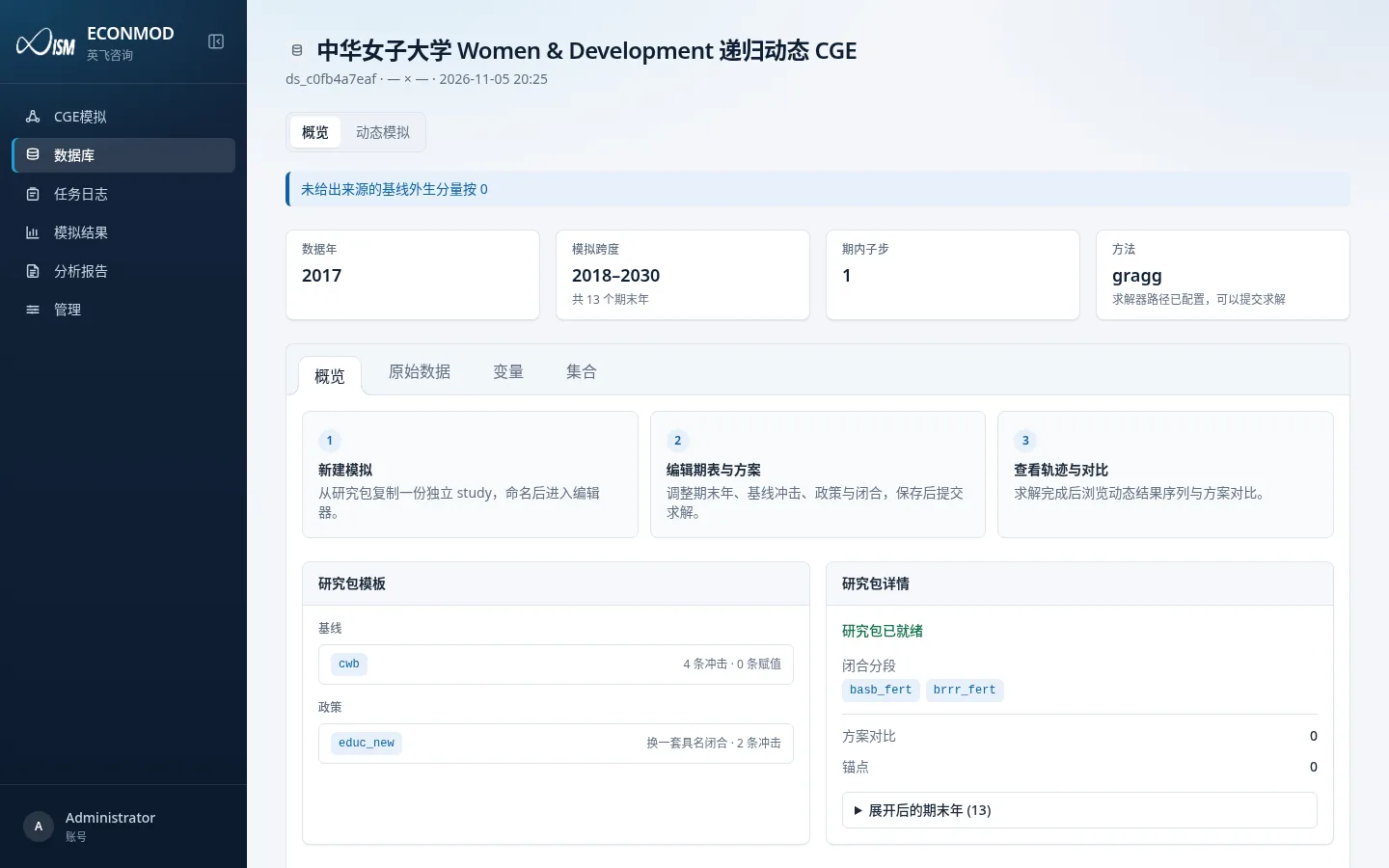
| Top scenario tabs | Overview / Shock scenarios / Aggregation scenarios | Overview / Dynamic simulations |
| Main overview actions | Enter shocks, enter aggregation, key indicators | Three-step guide + study-pack templates (baseline/policy) |
| New solve entry | New simulation, configure shock statements | New dynamic simulation, copy a study pack then edit |
| Result shape | One-shot comparative-static variable tables | Paths by terminal year, plus scenario comparison |
| Analysis reports | Comparative-static report | Dynamic-path report |
| On-page hint | — | “Dynamic models do not use static shocks or aggregation” |
Static example (top tabs include shocks / aggregation):
Dynamic example (top tabs are overview / dynamic simulations only):
Capability comparison
| Capability | Static | Dynamic |
|---|---|---|
| Region/sector aggregation (Aggregation scenarios) | Yes | No |
One-shot shock statements (Shock …) |
Yes | No (shocks live in baseline/policy scenarios) |
| Closure presets book / short / long / self | Chosen on the new-simulation page | Study-pack “closure segments” + policy swaps |
| Horizon (data year, terminal years, steps) | No | Horizon & solve page |
| Baseline / policy dual scenarios | No | Yes |
| Set-element Chinese/English names | Overview → Set elements | Overview → Sets tab (same editor) |
| Variable Chinese/English names | Admin → variable dictionary | Admin → variable dictionary; dynamic overview also has a Variables browser |
| Mixing static and dynamic scenarios in one report | Not allowed | Not allowed |
Naming & display (shared by both forms)
- Set-element codes cannot change; what you edit are Chinese name / English name (see 03).
- The variable dictionary maintains Chinese/English names and notes for variable codes (see 04).
- In Chinese UI, Chinese names are preferred; in English UI, English names are preferred, falling back to the code when missing.
Reports cannot be mixed
When creating a report you must choose Comparative-static report or Dynamic-path report. One report cannot mix both forms; dynamic reports must also belong to the same dynamic database. See 10.