

For databases whose top navigation is Overview / Shock scenarios / Aggregation scenarios.
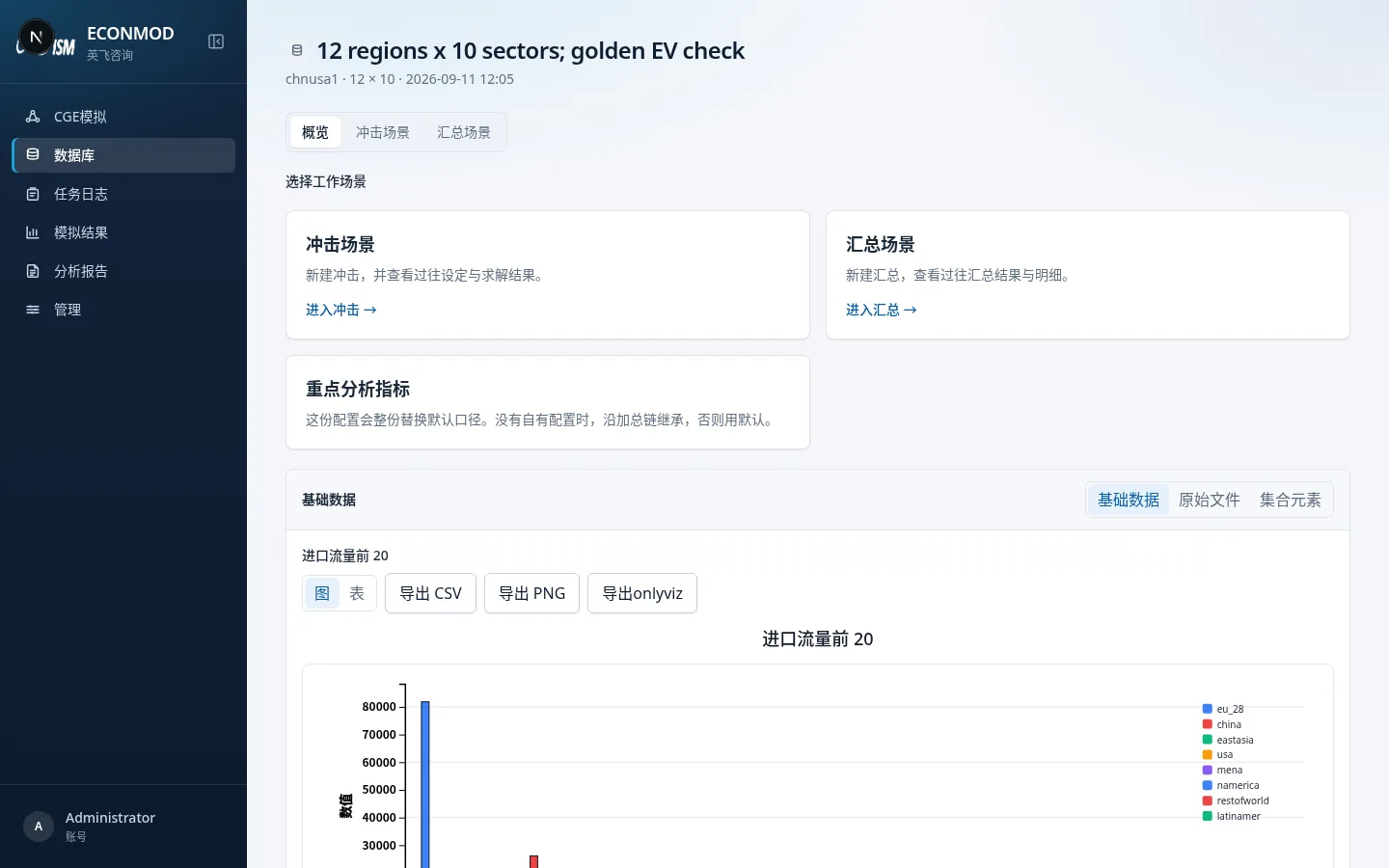
Top scenarios
| Tab | Role |
|---|---|
| Overview | Choose a work scenario + browse base data / files / sets |
| Shock scenarios | Past shock list; top-right New simulation |
| Aggregation scenarios | Aggregation-plan list; New aggregation |
Overview: choose a work scenario
Three cards:
- Shock scenarios → open the shock list (see 06).
- Aggregation scenarios → open the aggregation list (see 07).
- Key analysis indicators → see 04.
Overview: three data sub-pages
Switch inside the lower overview card:
Base data
Shows charts such as import flows, tariffs, and bilateral imports by default. Each block can switch Chart / Table, and Export CSV, Export PNG, Export onlyviz.
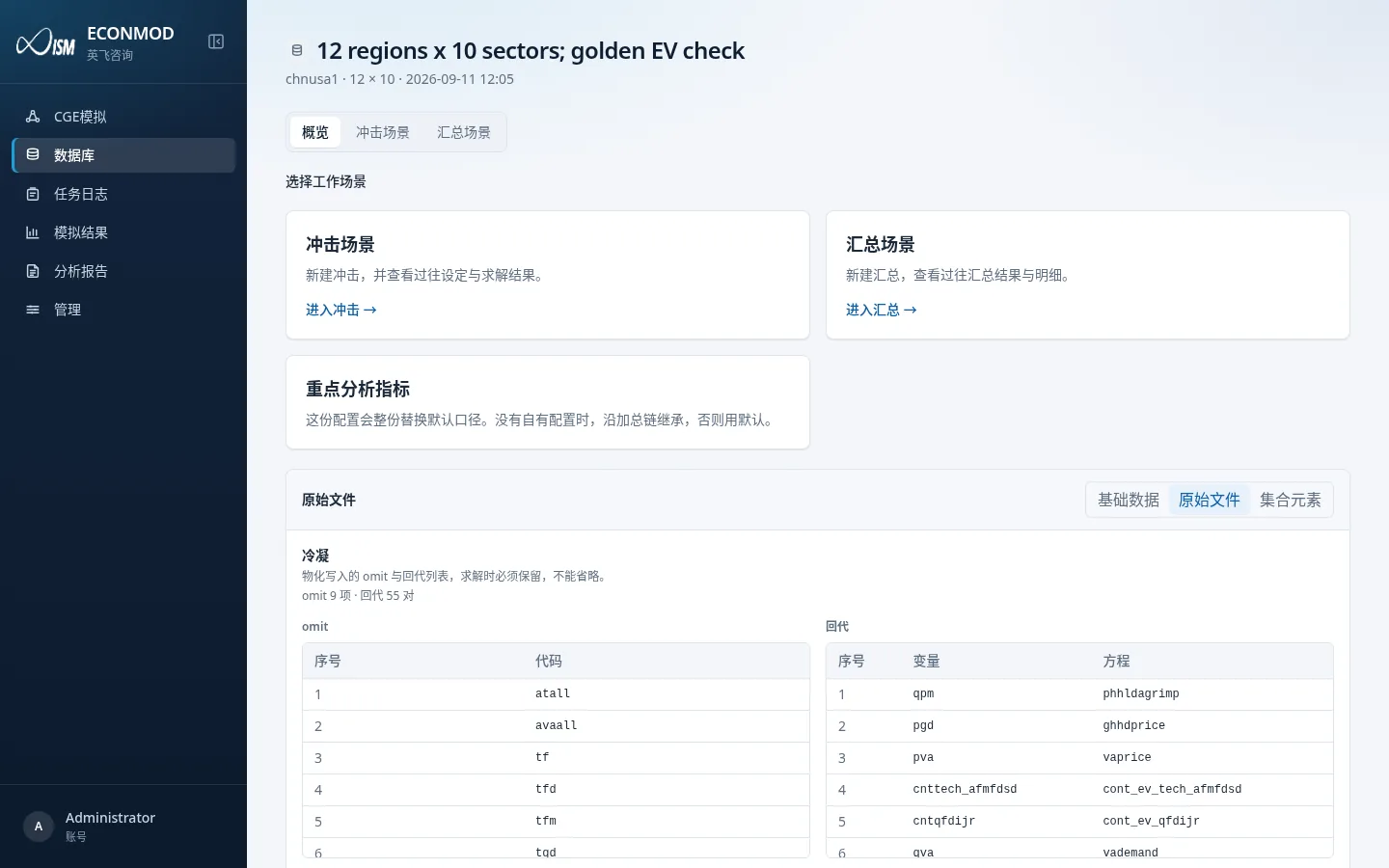
Raw files
Browse HAR / PRM files in the database directory: pick a file and header on the left, preview values on the right (large tables may be truncated).
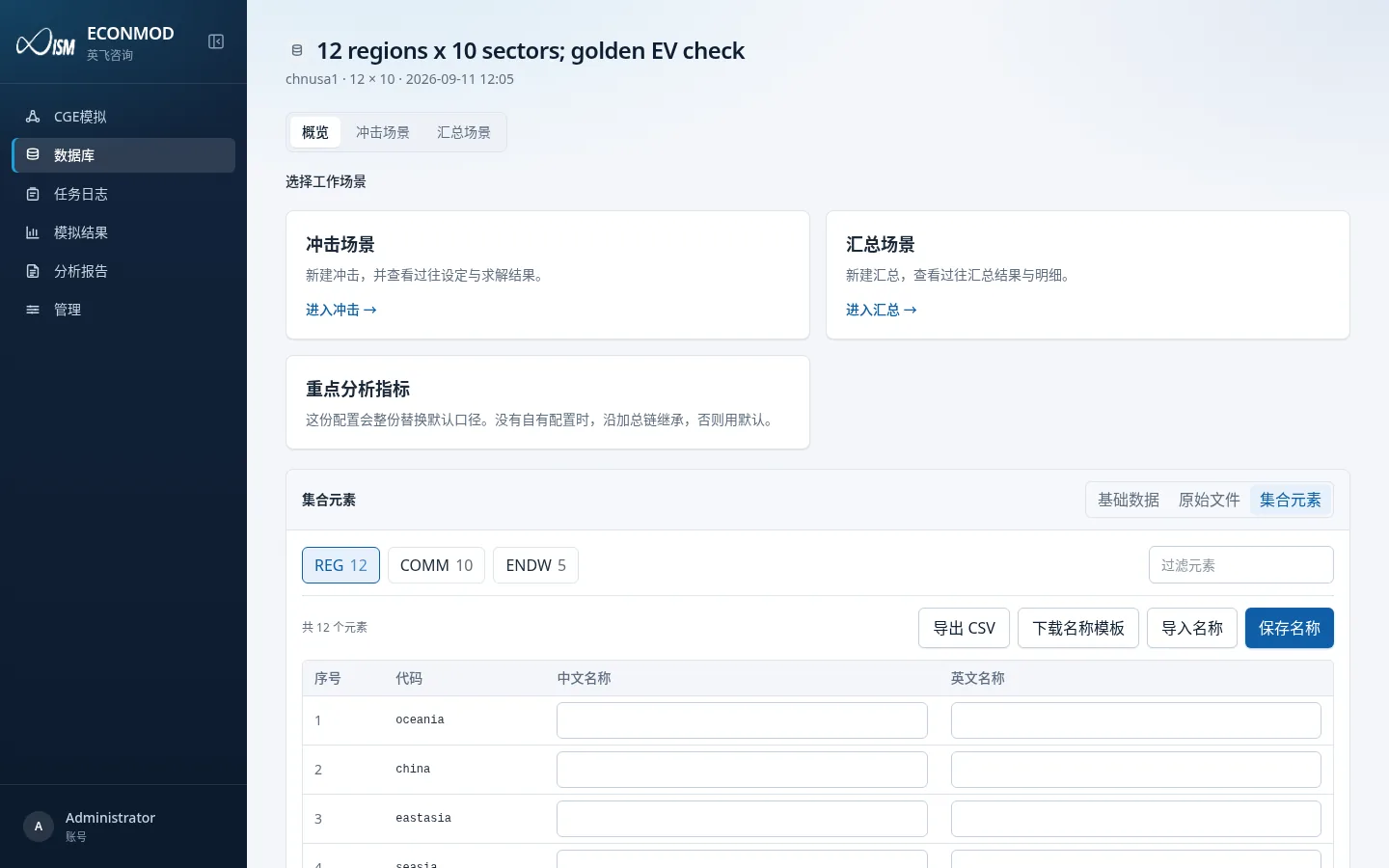
Set elements
Maintain bilingual member names; see 03.
Condensation (if materialized)
Some solvable databases show omit / back-substitution lists in the detail pane. Solves must keep those settings; the UI is read-only.