

Sign-in
Open the system URL to reach the login page. Product copy is on the left; enter account and password on the right.
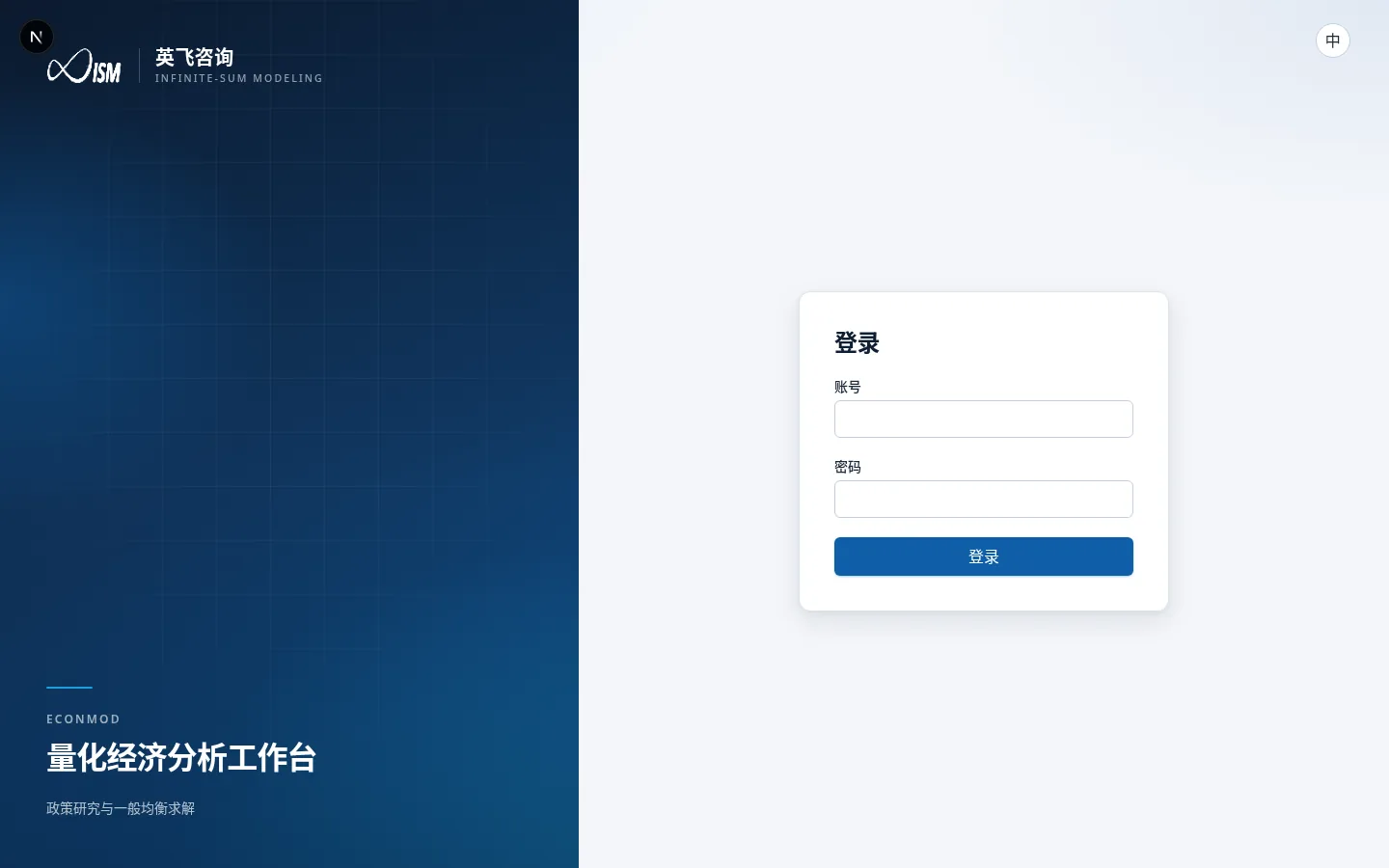
- Enter Account and Password.
- Click Sign in. On success you land on Datasets by default.
- Use 中 / EN in the top-right to switch UI language; the choice is stored in this browser.
If the identity service is unavailable, token validation fails, or the account is not entitled / is disabled, the page shows the matching error—contact ops or an administrator.
Sidebar
| Menu | Who sees it | Role |
|---|---|---|
| CGE simulation | When the assistant is enabled | Conversational analysis |
| Datasets | Everyone | Available databases |
| Job log | Everyone | Aggregation / materialization / solve jobs |
| Simulation results | Everyone | Search solved scenarios |
| Analysis reports | Everyone | Static / dynamic reports |
| Admin | Administrators | Base datasets and authorization |
| Account | Everyone | Personal settings and (admins) users / Skills |
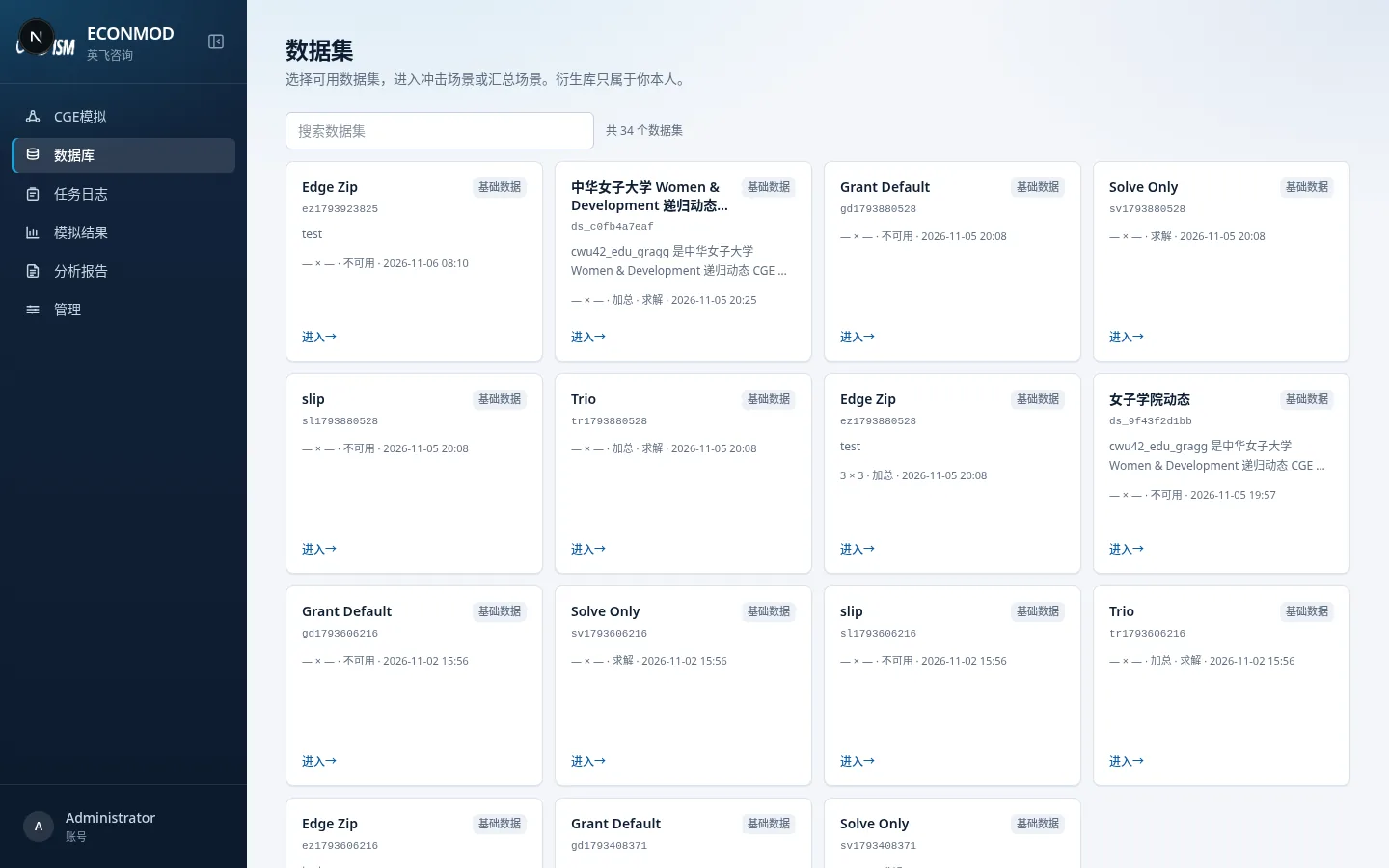
The top of the sidebar can collapse the nav; the bottom shows the current display name and opens account settings.