

Dynamic databases have no Aggregation scenarios. This chapter is for static databases only.
List
Top tab Aggregation scenarios lists aggregation plans: region-group count, sector-group count, whether the aggregated database is ready, created time, and more.
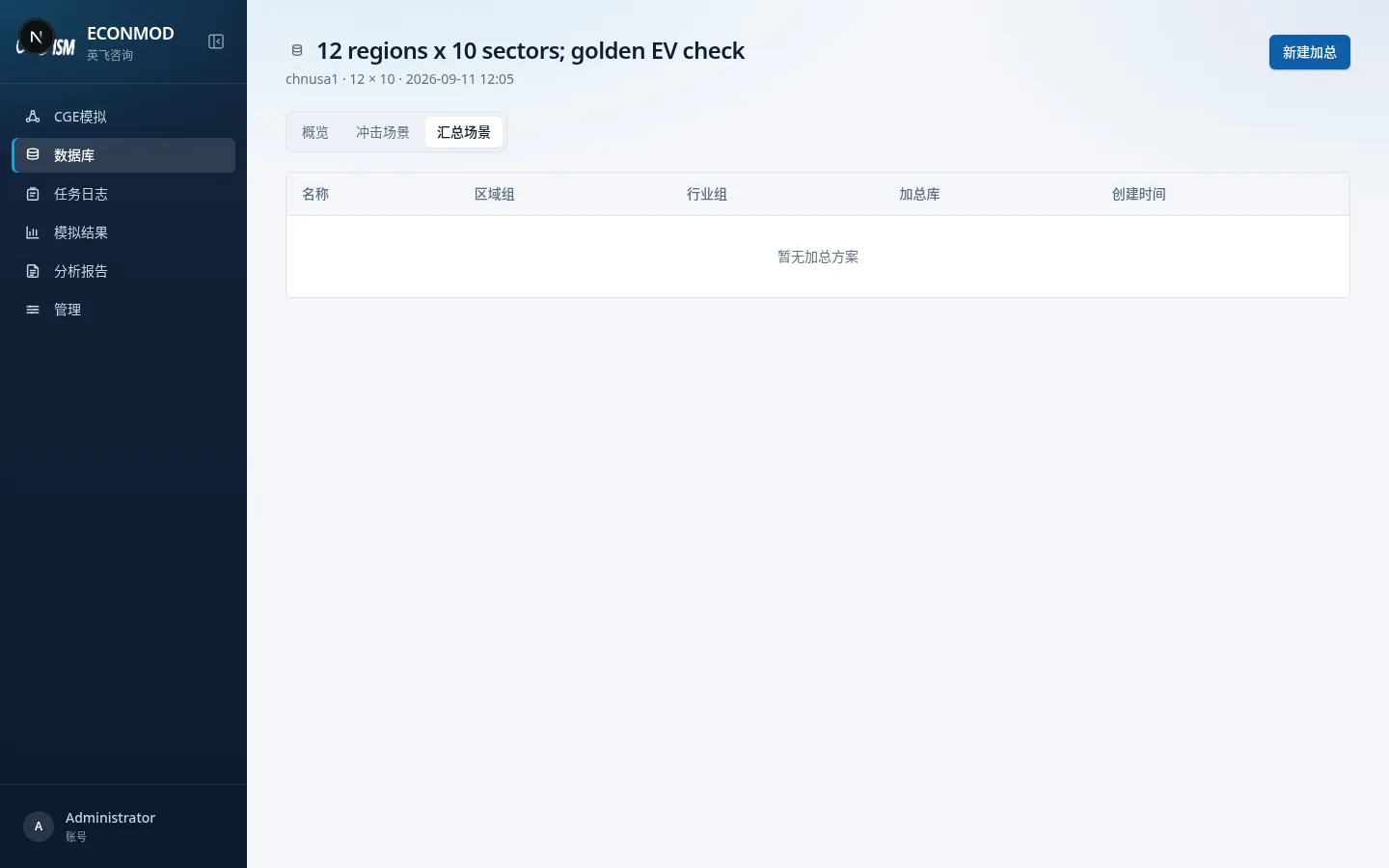
- An aggregated database that is Not ready cannot be linked when creating a simulation.
- From detail you can Run aggregation, Start simulation, and View job log.
- If mappings changed but aggregation was not re-run, the UI prompts you to run aggregation again to refresh the aggregated database.
New aggregation: four steps
Entry: Aggregation scenarios → New, or /aggregations/new?dataset_id=….
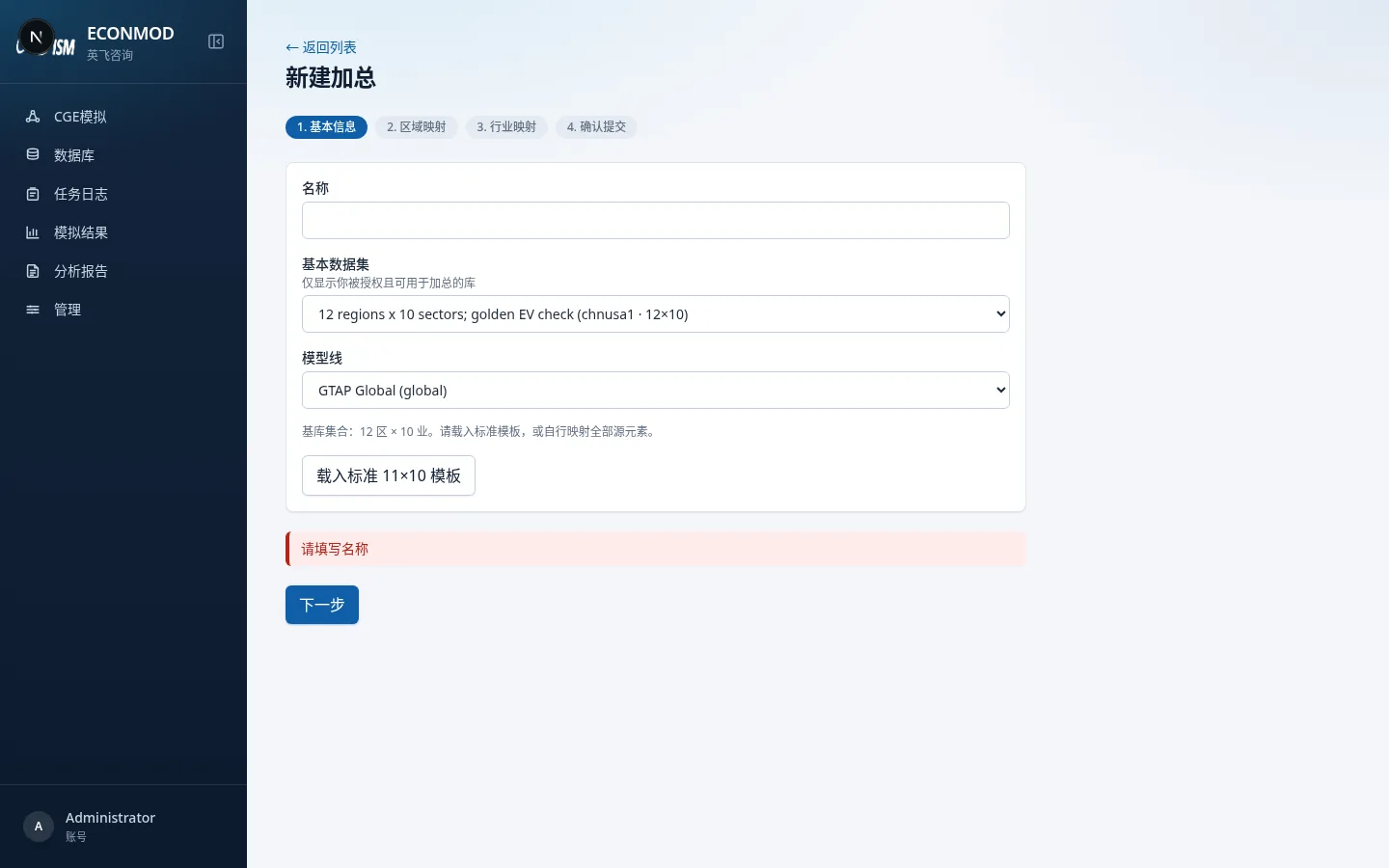
1. Basics
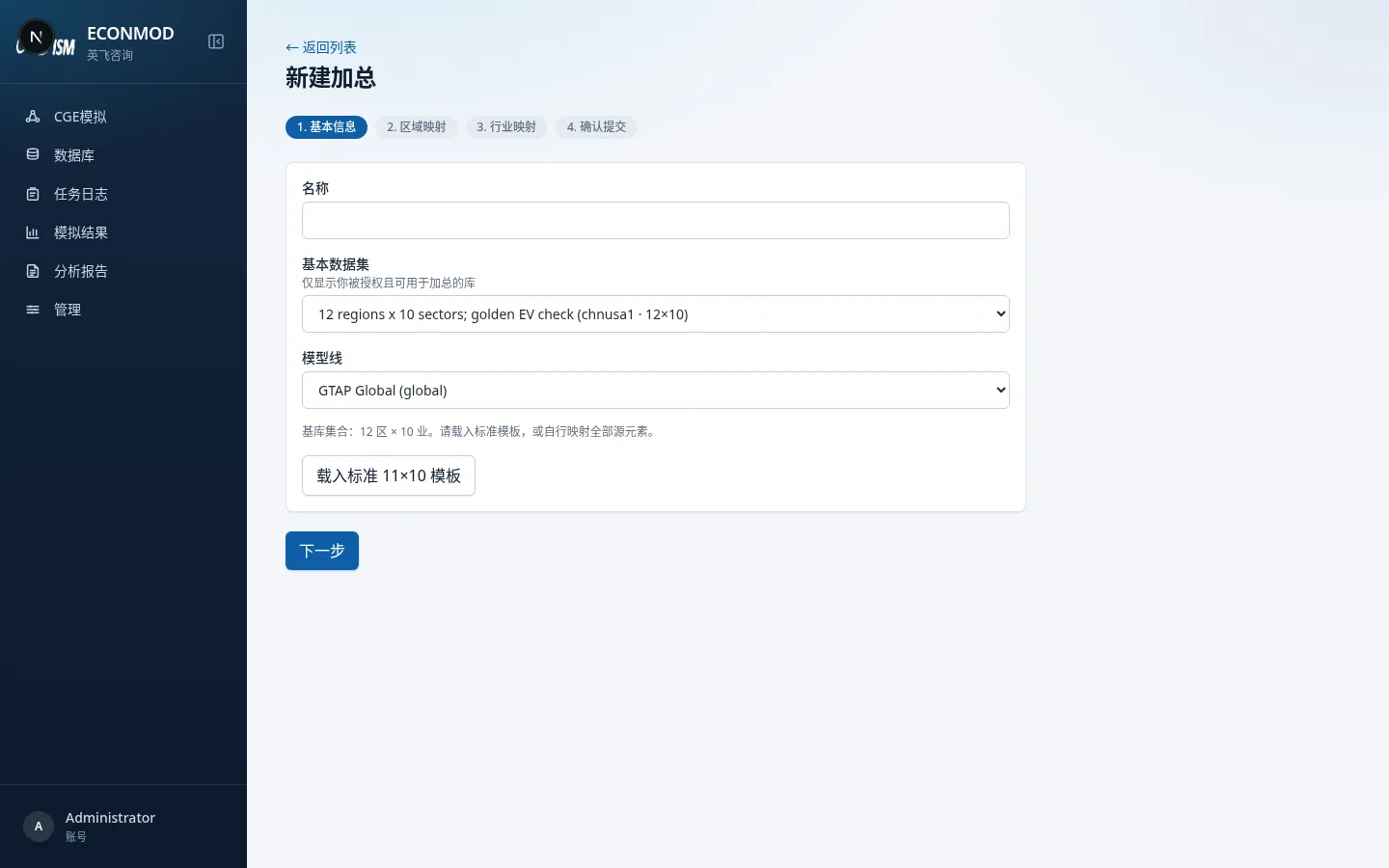
| Field | Notes |
|---|---|
| Name | Required |
| Base dataset | Only databases you can access and aggregate |
| Model line | Options from the dropdown |
| Load standard template | e.g. Load standard 11×10 template, to fill groups and mappings quickly |
| Next | Go to region mapping |
The page shows the base-set size (e.g. “12 regions × 10 sectors”).
2. Region mapping
- Define target region-group codes (must start with a letter; length capped; optional labels).
- Map every source region to a target group; helpers such as identity mapping or “all into first group” are available.
- Unmapped count must reach zero before continuing.
- Back / Next.
3. Sector mapping
Same idea as regions: define sector groups and assign every source sector. ACTS stays consistent with commodity mapping (see on-page notes).
4. Confirm & submit
Review region/sector group counts and mapping rows. Optionally check Run aggregation job right after create, then Create aggregation.
After submit, wait for success in Job log, then build scenarios on the aggregated database under Shock scenarios.