

For databases with model_form = dynamic. Top tabs are only Overview and Dynamic simulations—no Shock scenarios / Aggregation scenarios.
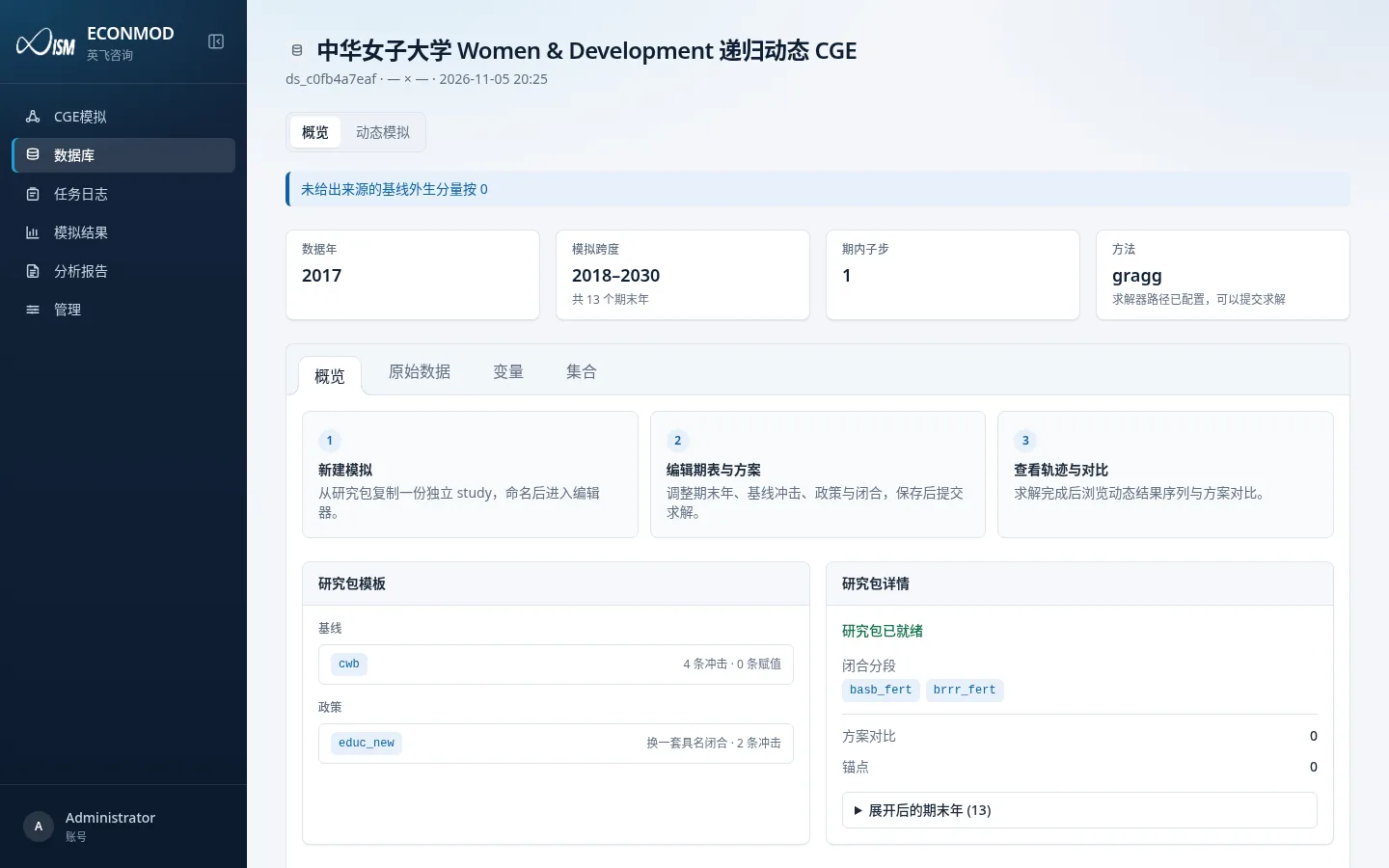
Top metric cards
| Card | Meaning |
|---|---|
| Data year | Study-pack starting data year |
| Simulation span | Terminal-year range and count |
| Intra-period substeps | Substeps within a period |
| Method | Default solve method; if the solver path is unset, a warning says solves will fail |
If “Treat missing baseline exogenous components as 0” is on, the overview shows a matching hint.
Overview inner tabs
| Tab | Role |
|---|---|
| Overview | Three-step guide, study-pack templates (baseline/policy), closure segments, scenario comparisons, anchors, terminal-year list |
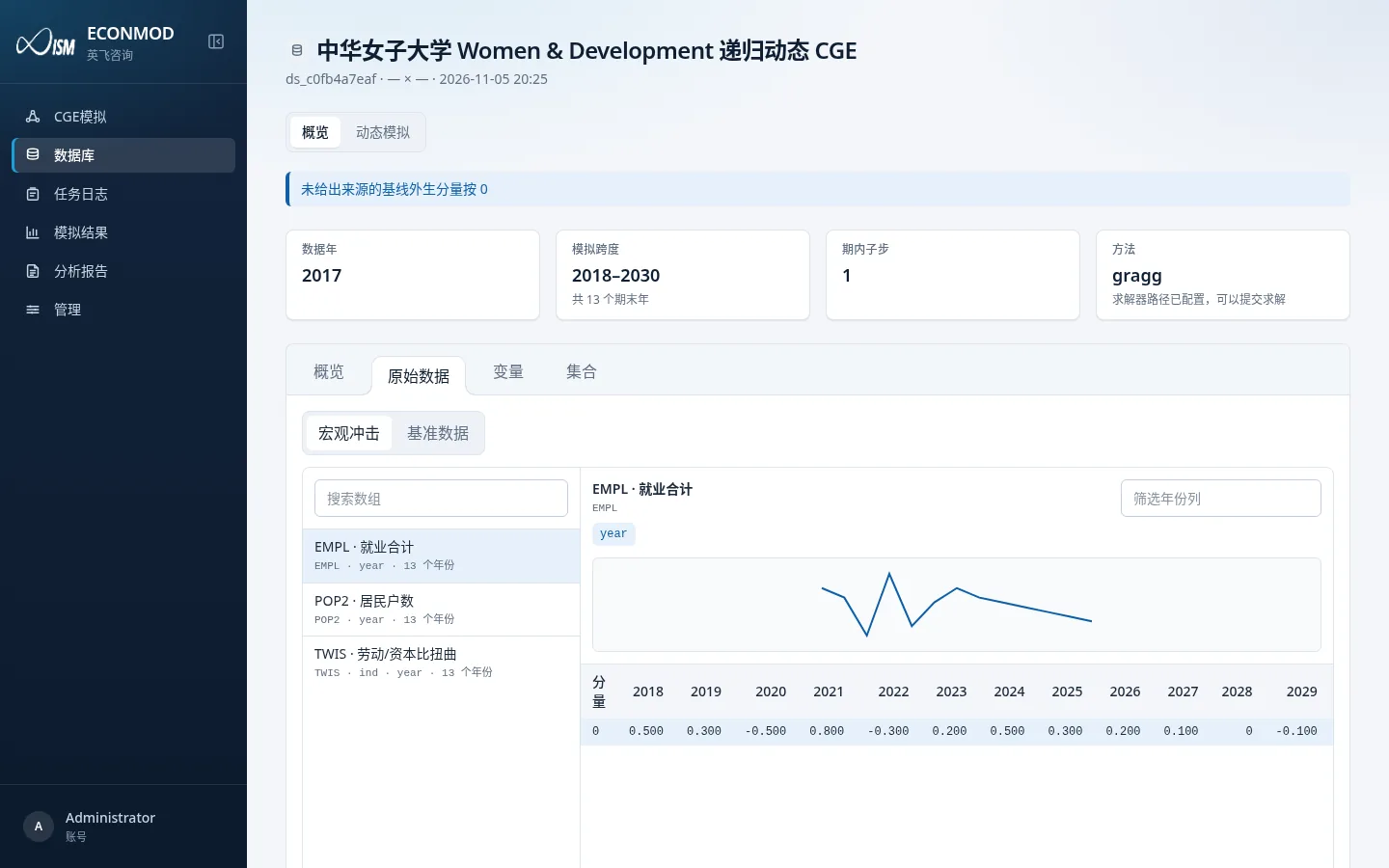
| Raw data | Browse arrays / tables in the dynamic data pack |
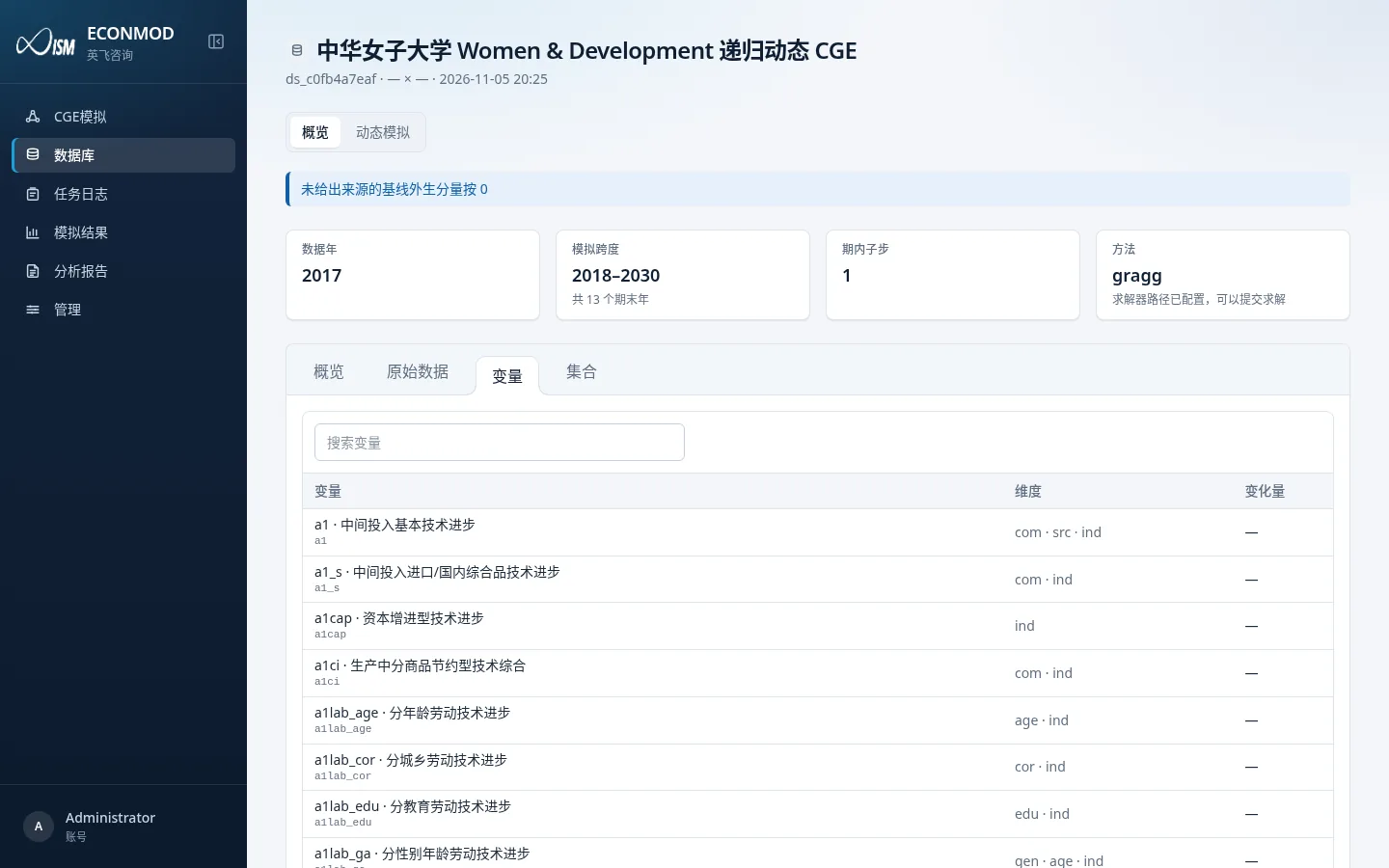
| Variables | Browse the variable catalog (display names work with the admin variable dictionary) |
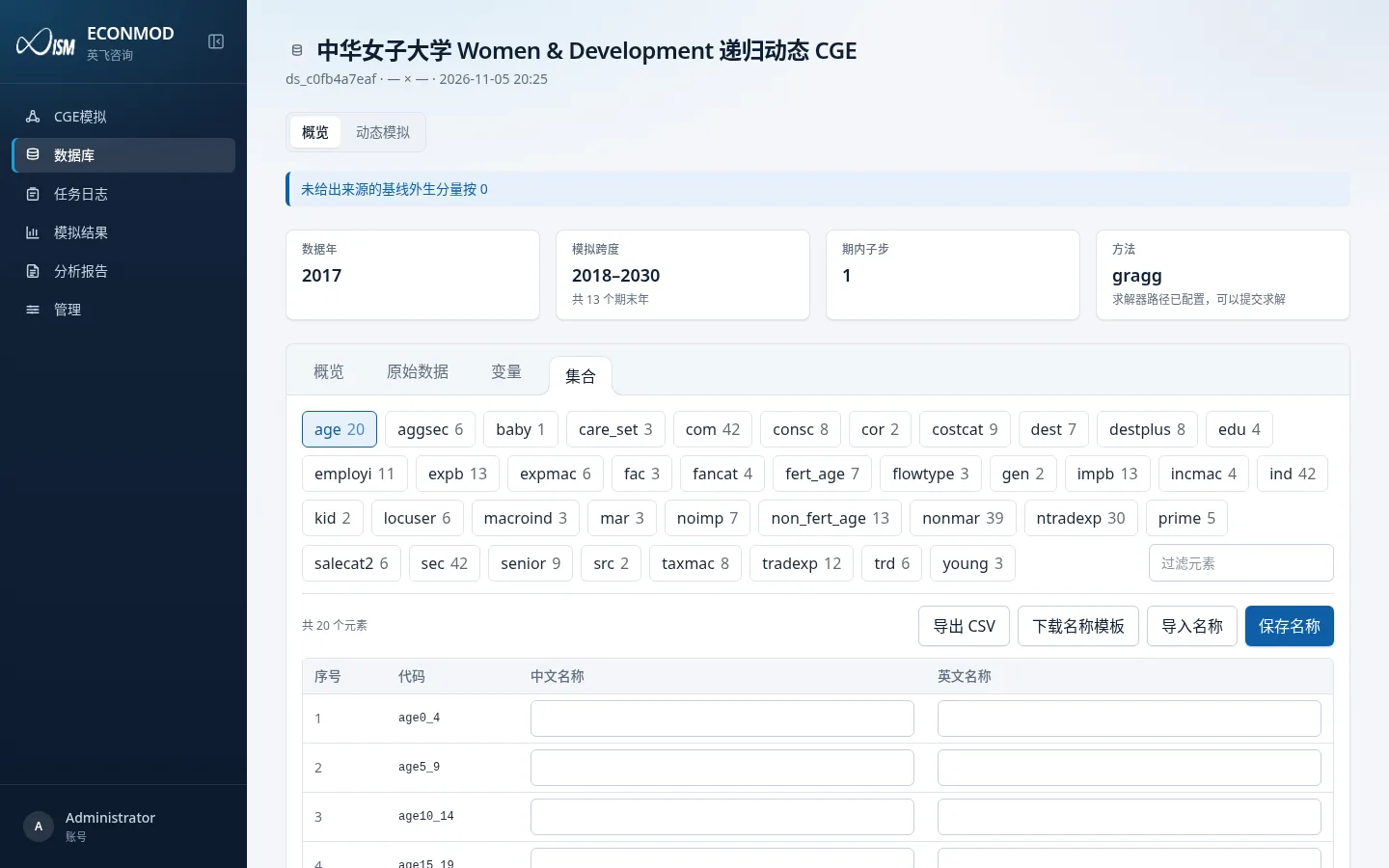
| Sets | Bilingual set-element names (same rules as 03) |
Three-step guide (overview body)
- New simulation: copy an independent study from the study pack, name it, open the editor.
- Edit horizon & scenarios: change terminal years, baseline shocks, policy and closures; save, then solve.
- Browse paths & compare: after a successful solve, inspect series and scenario comparisons.
Study-pack template area
- Baseline: template names plus shock counts and assignment counts.
- Policy: policy names, closure mode (switch to a named closure / swap on top of baseline, etc.) and shock counts.
- Study-pack details: readiness, closure-segment names, comparison count, anchor count, expanded terminal years.
Next, open the Dynamic simulations list; see 09.